
To adjust the dates of your stay from the default dates offered:
- Visit the Arkham Con 2025 room block at the DoubleTree Roseville.
- Click “Edit Stay” in the upper right.

- Click the large dates.
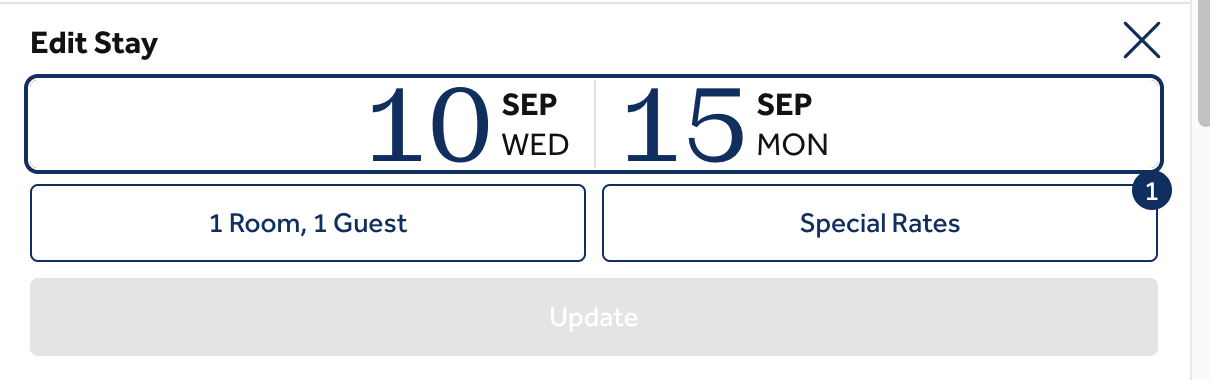
- This will pull up a calendar where you can choose new check-in and checkout dates.
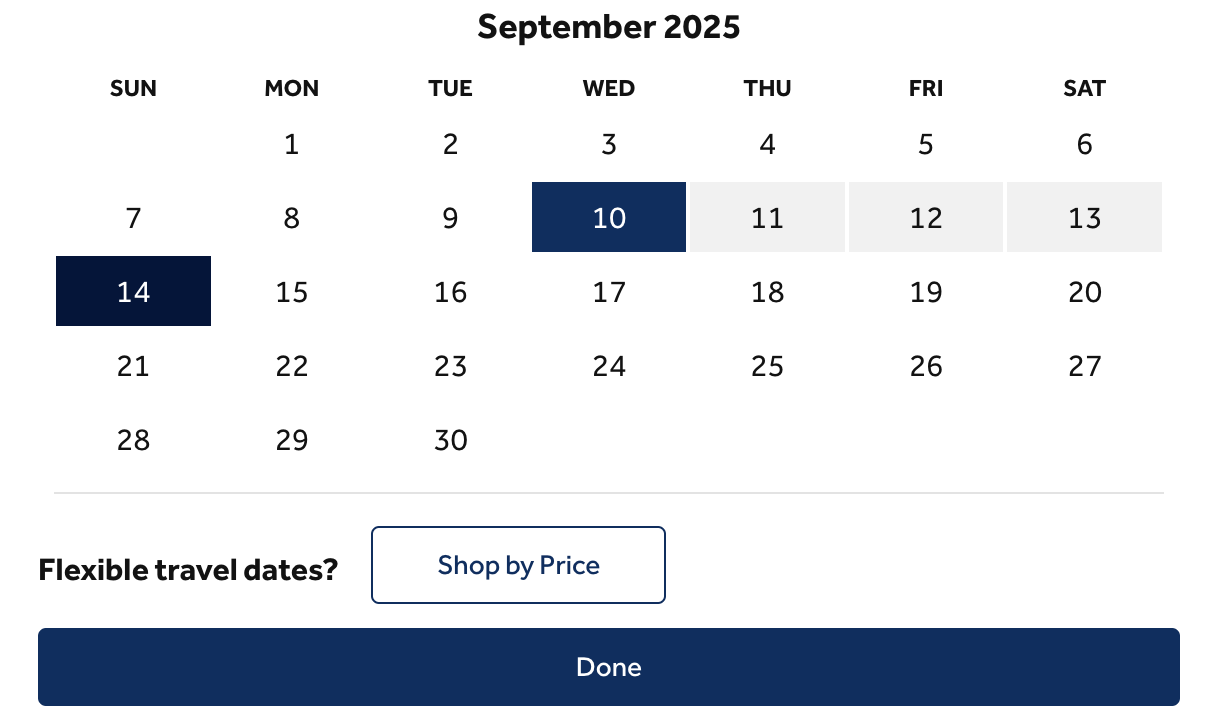
- Click Done.
- Click the Update button to apply the new dates you selected.

- Reserve your room!